
PHOTO STRUT
- Thread starter Mr. Casual
- Start date
You are using an out of date browser. It may not display this or other websites correctly.
You should upgrade or use an alternative browser.
You should upgrade or use an alternative browser.




Here's a question which has got me flummoxed so far and a realhead with knowledge of file formats may be able to address for me:
One of my favourite things to do with a camera is lose it. This has happened twice in the last few years, where I've left it on a table in one place and it's just vanished by the end of the day recently. This is always after a day of taking pics that I'd really have wanted to keep.
One of the things I wanted to do but this time actually got around to doing, was make up two simple text screens saying "This camera belongs to:" and list my phone and email in English, Spanish and German, with "Reward for return". At least this way, they would have an idea of whose camera they have found and the rest is up to their conscience.
So I've got these two .jpg files (done in Windows Paint, nothing fancy) and copied them to the card in the camera, so when the finder browses the pics, they should see my info.
But they don't list when browsing through the shots on the camera. They are there when I browse the card contents on the PC, but there is something about the format or image properties that the camera doesn't like, so it won't list or display them. Any ideas?
The alternative is to (laughs in advance...) get the info jpgs on a screen and then take a photo of the screen with the camera, but that, to a techie, is a nevar-that-son move.
One of my favourite things to do with a camera is lose it. This has happened twice in the last few years, where I've left it on a table in one place and it's just vanished by the end of the day recently. This is always after a day of taking pics that I'd really have wanted to keep.
One of the things I wanted to do but this time actually got around to doing, was make up two simple text screens saying "This camera belongs to:" and list my phone and email in English, Spanish and German, with "Reward for return". At least this way, they would have an idea of whose camera they have found and the rest is up to their conscience.
So I've got these two .jpg files (done in Windows Paint, nothing fancy) and copied them to the card in the camera, so when the finder browses the pics, they should see my info.
But they don't list when browsing through the shots on the camera. They are there when I browse the card contents on the PC, but there is something about the format or image properties that the camera doesn't like, so it won't list or display them. Any ideas?
The alternative is to (laughs in advance...) get the info jpgs on a screen and then take a photo of the screen with the camera, but that, to a techie, is a nevar-that-son move.




Probably the easiest way to do it. Maybe print it out and take a photo of that.The alternative is to (laughs in advance...) get the info jpgs on a screen and then take a photo of the screen with the camera, but that, to a techie, is a nevar-that-son move.
Or I think you'd have to find out the exact type of file format your camera uses and try again. Did you get any picture editing software with the camera? Maybe that would create a more compatible file format. MSPaint is bound to be different.
man, this thread is dope. lots of cool photos. apparently there are lots of talented photograhpers on the strut.

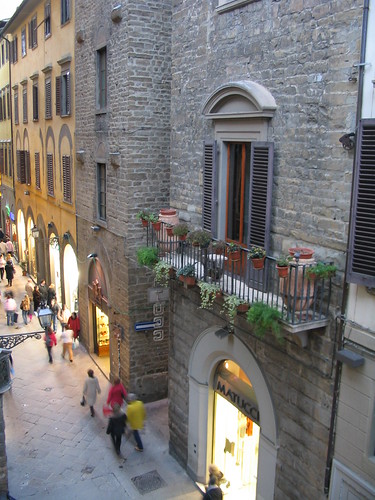
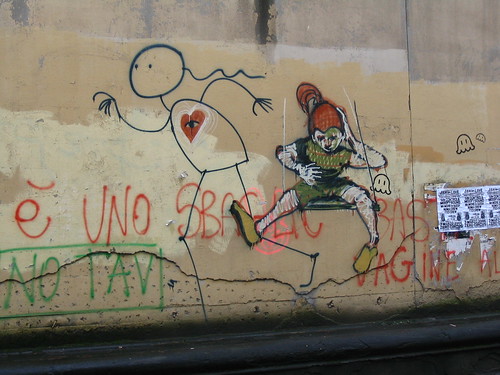
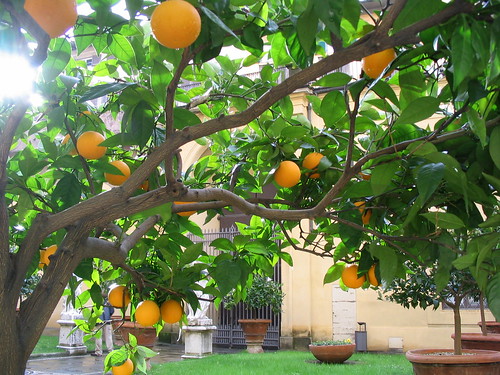

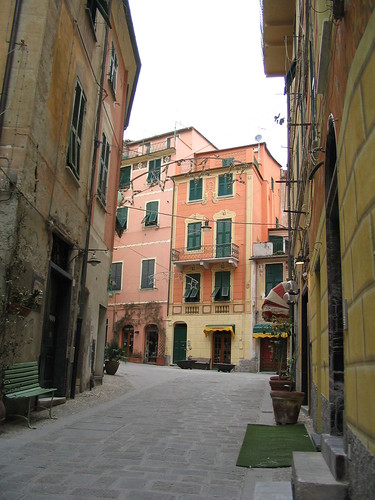
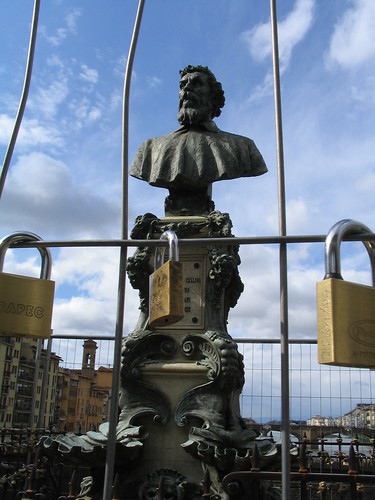
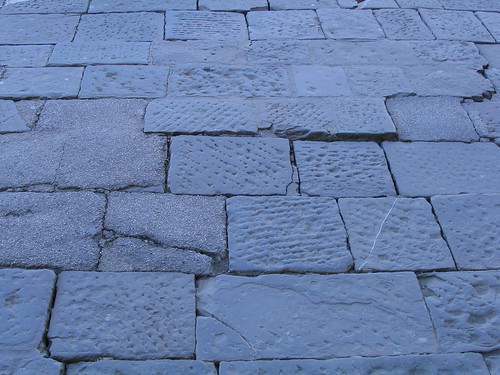
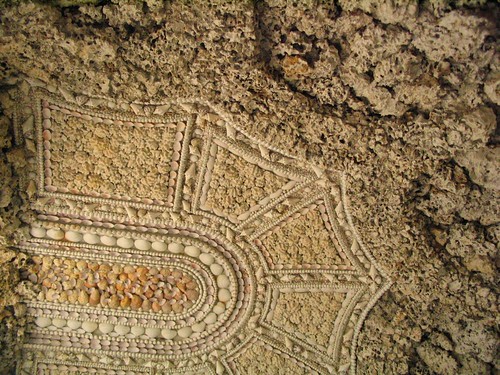

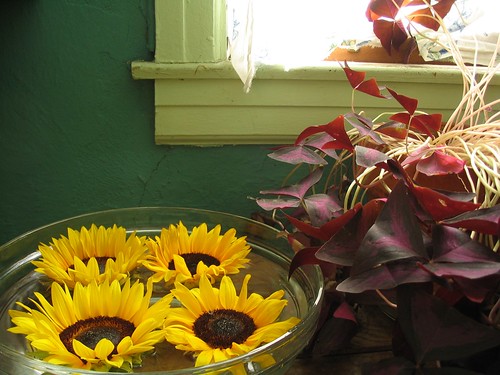
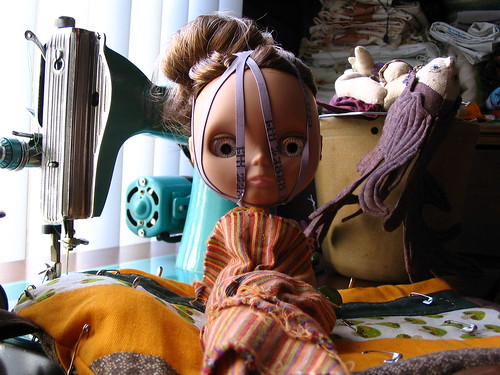

Some beautiful pictures in this thread - thanks all!
may i ask what type of cameras you are using (and what you spent on 'em)?
may i ask what type of cameras you are using (and what you spent on 'em)?

I primarily rock a Canon 5D with an assortment of lenses. It was all a lot of money 3Gs plus... but I figured better to have beautiful pictures of the seeds than a Boscoe collecting dust.Some beautiful pictures in this thread - thanks all!
may i ask what type of cameras you are using (and what you spent on 'em)?








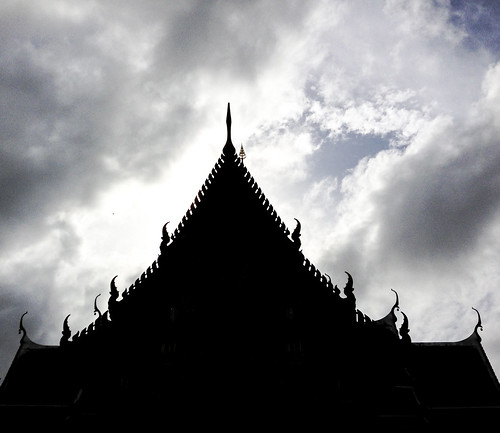
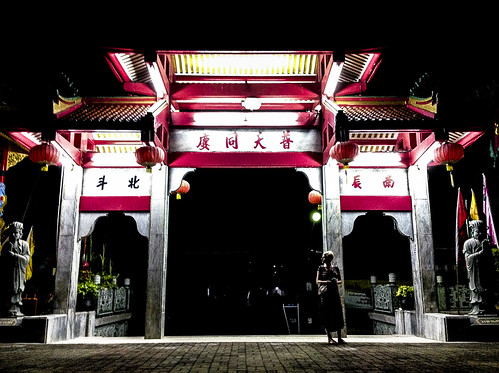

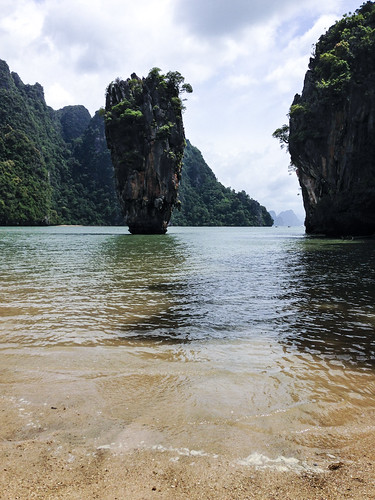

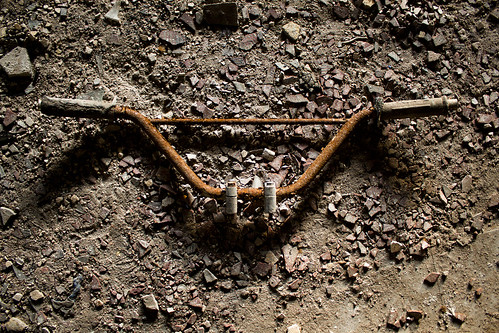
Four from the past month. 3 are from an end of summer canoe trip we did and had great weather.
Two of the littlest one
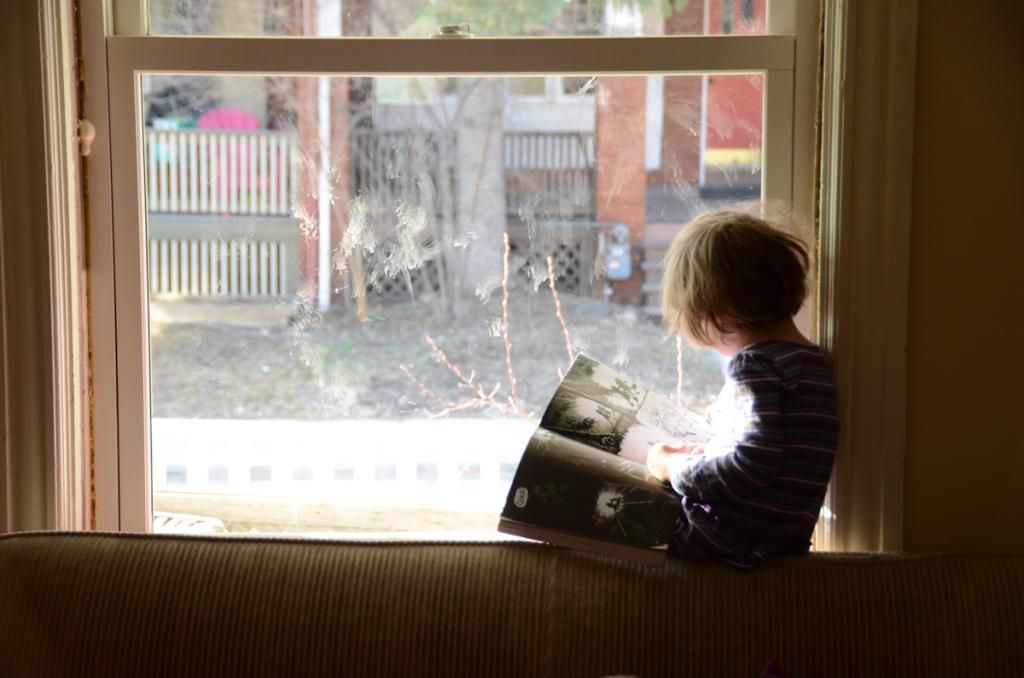
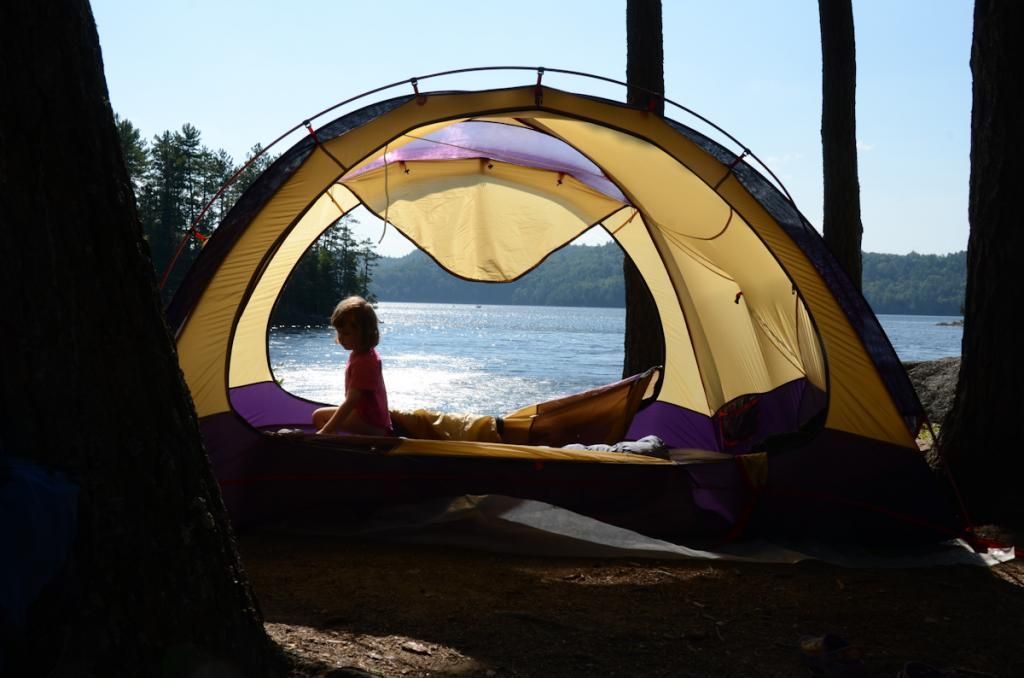
the other 2

r+r
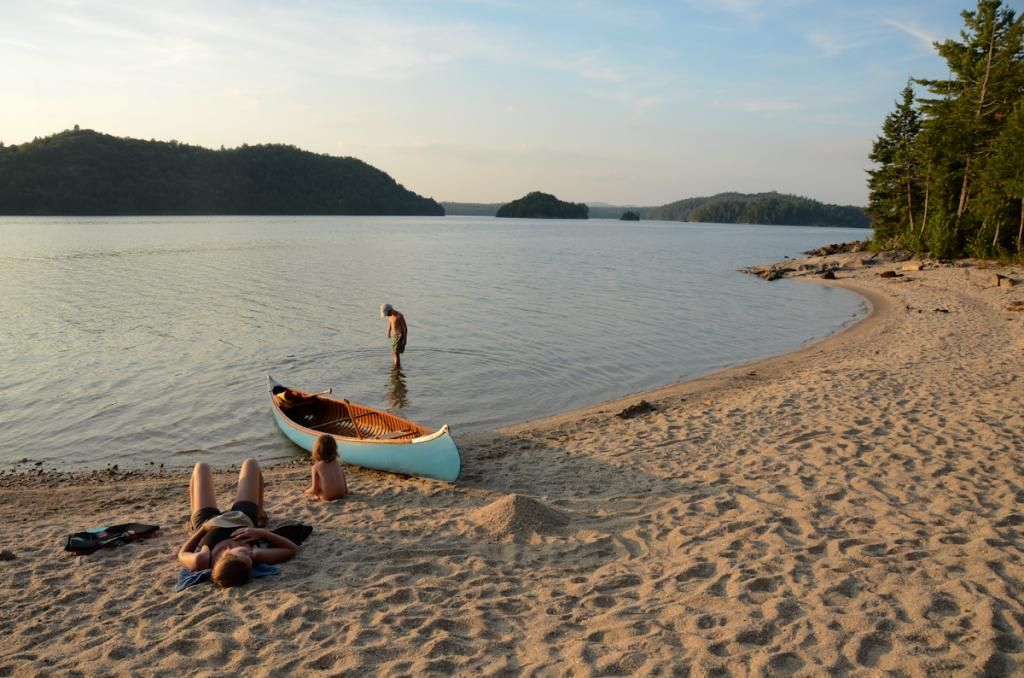
Two of the littlest one


the other 2

r+r










Similar threads

- Replies
- 13
- Views
- 5K

- Replies
- 0
- Views
- 660

- Replies
- 0
- Views
- 363
- Replies
- 3
- Views
- 848

- Replies
- 2
- Views
- 572